Update on recent disruptions to the order picking process
March 4, 2026
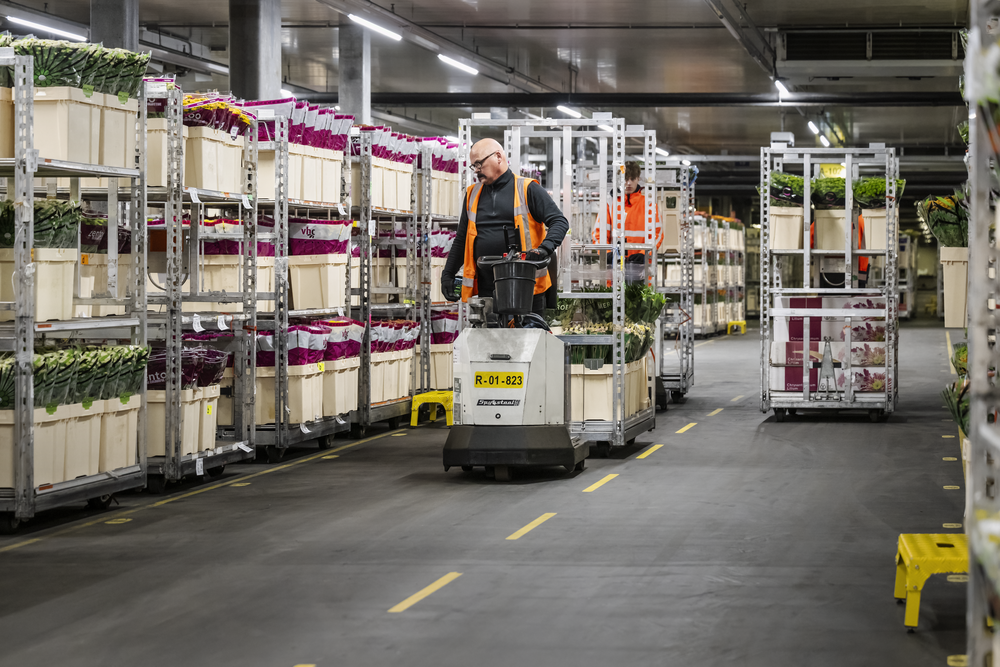
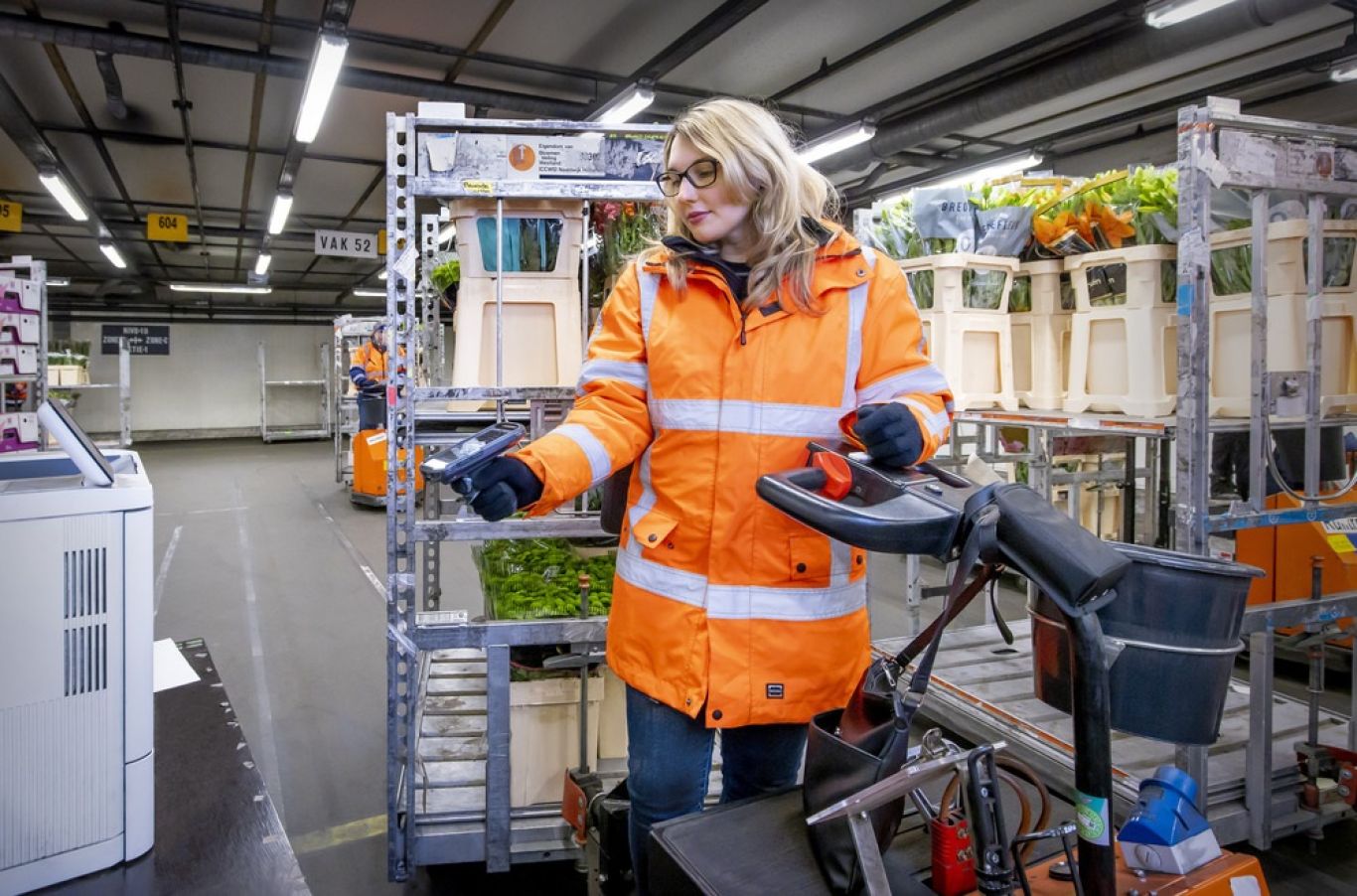
Last week, we experienced two disruptions in the order picking process. We understand that this can cause concern, especially in the run-up to the important flower and plant trading days of the year. Below, we share what happened, what measures were taken and how we are preparing for the upcoming peak days.
What happened and why
Last Wednesday, a human error during a software update carried out the night before caused a disruption. This resulted in a delay of approximately one and a half hours at our three export hubs. Last Monday, we experienced another disruption that had a particularly significant impact in Naaldwijk. This was caused by excessive peak load in the software that controls order picking.
These two incidents were completely unrelated. The impact in Naaldwijk was significant, and we are well aware of what this meant for our customers' daily planning and delivery reliability.
What measures have been taken since then?
Together with our software partner, we have analysed these disruptions in detail. We have taken immediate steps to reduce the risk of recurrence:
- Increased server capacity for the order picking system.
- IMore intensive monitoring of system load, data processing and scanner communication.
- A dedicated intervention team from RFH and our IT partner will be actively present every day during the start-up of our logistics process in the coming period in order to intervene immediately where necessary.
These measures increase both the stability of the system and the speed with which we can act.
Our top priority during the peak days
We realise how important the coming days and weeks are for our customers. That is why this issue is being given the highest priority within Royal FloraHolland. We are doing everything we can to prevent a repeat of this situation. And if something does go wrong, we will communicate this as quickly as possible so that you are fully informed.
Stay informed
Notifications about any disruptions will be shared via RFHapp. Download the latest version and activate notifications via the bell icon in the app so that you receive a push notification immediately with every update.
-
Did you find this interesting?
Then share this article
-
Related articles